> For the complete documentation index, see [llms.txt](https://docs.controlbee.nl/llms.txt). Markdown versions of documentation pages are available by appending `.md` to page URLs; this page is available as [Markdown](https://docs.controlbee.nl/uitvoeren/rollen.md).
# Rollen
Verantwoordelijkheden toewijzen met rollen, kennis, competenties en bevoegdheden
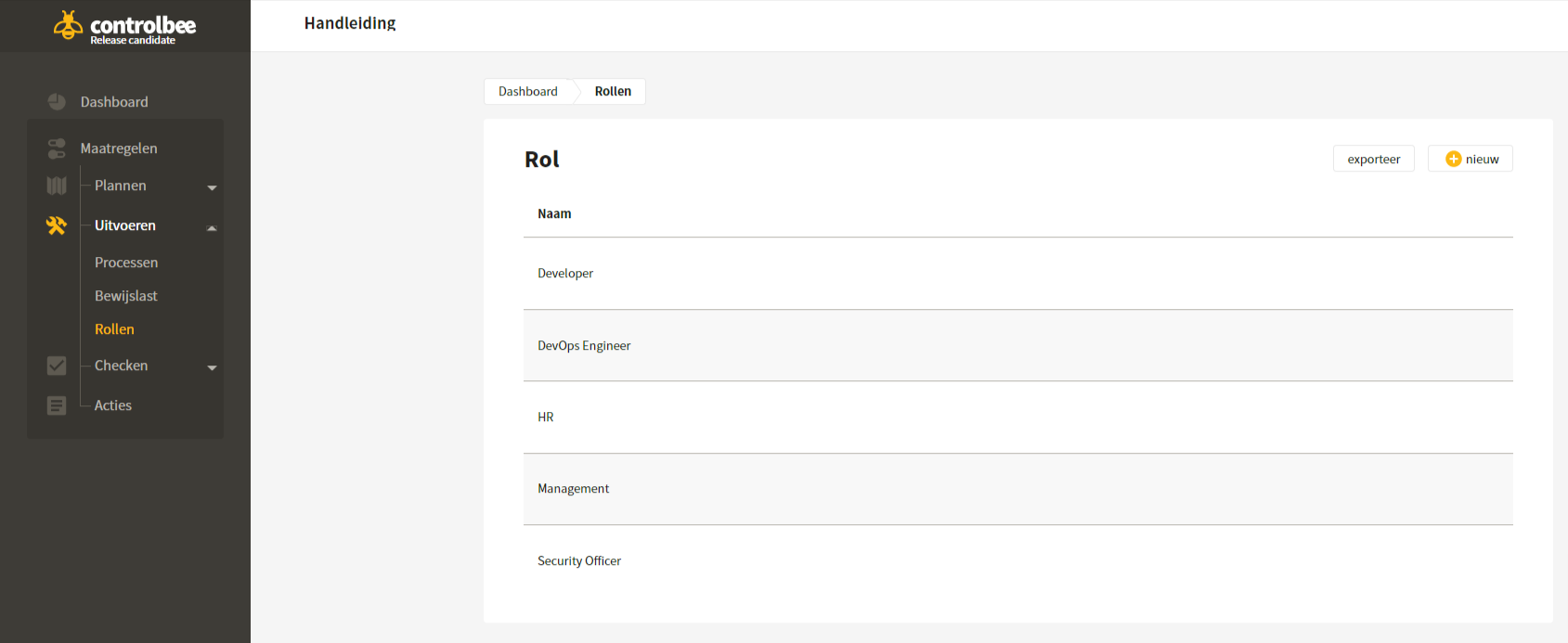
Om de processen met bijbehorende bewijslast in praktijk te brengen en goed te kunnen onderhouden, worden er verantwoordelijkheden toegewezen.
Voorbeelden van rollen zijn: directie, security officer of HR-medewerker.
## Aanmaken rol
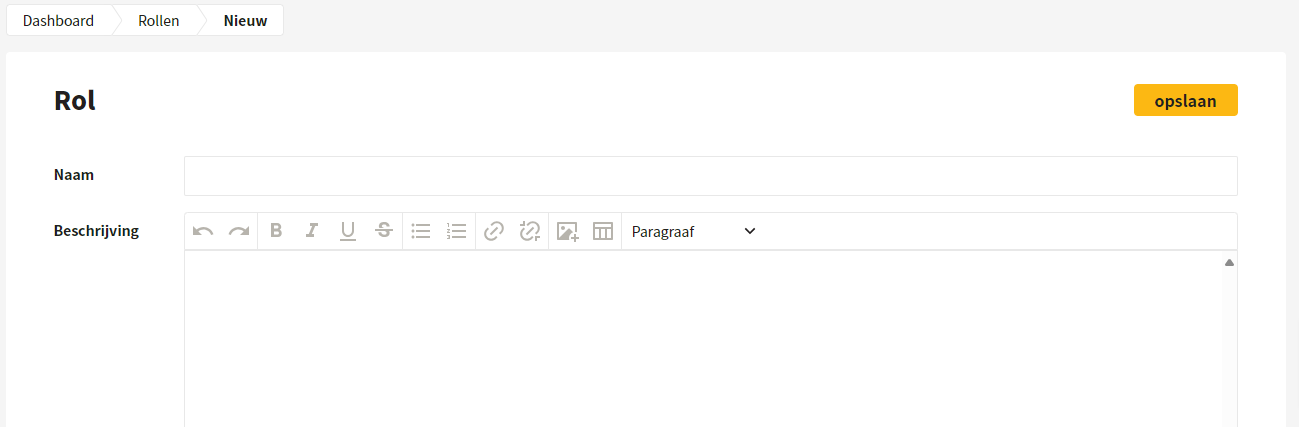
Een rol kan worden aangemaakt door op 'nieuw' te klikken in het overzicht van rollen. Naast een naam en beschrijving is er versiebeheer beschikbaar om wijzigingen te beheersen. Ook kan er een URL worden toegevoegd, zodat de gebruiker met één klik bij bijvoorbeeld de functiebeschrijvingen binnen de eigen gebruikersomgeving komt.
## Koppelen kennis, competenties, bevoegdheden en bewijslast aan een rol
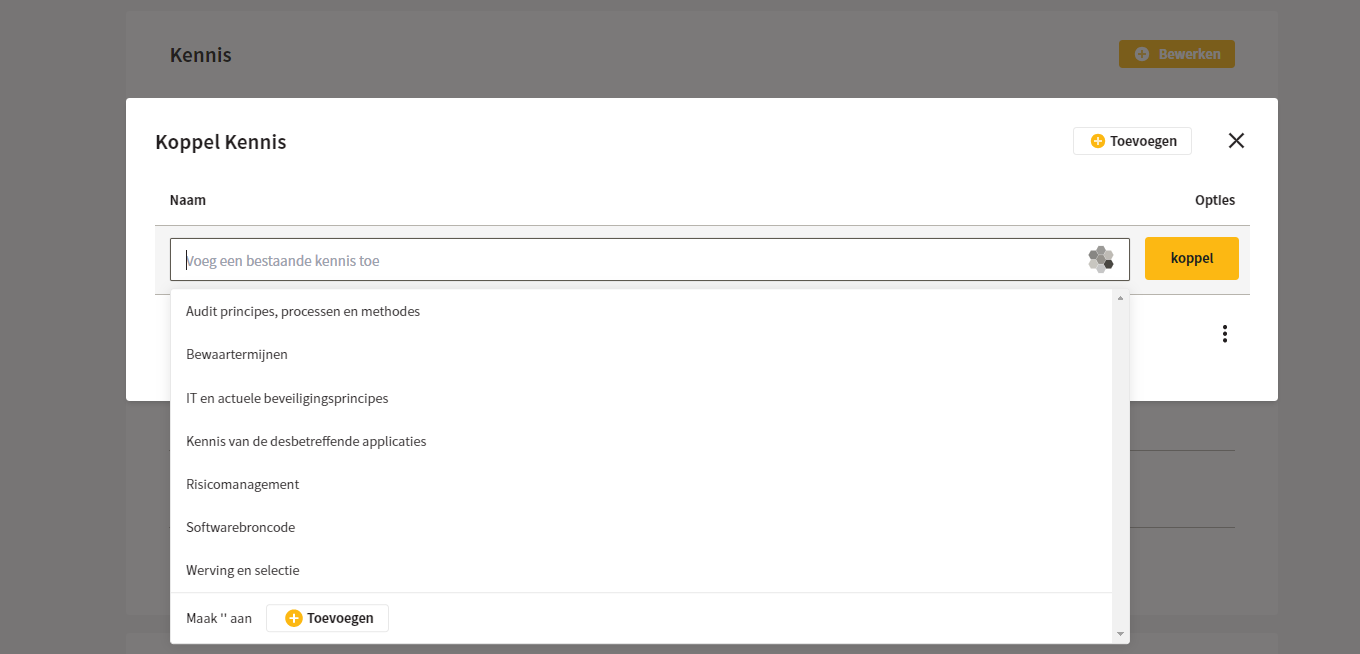
Per rol kunnen de kennis en competenties worden vastgesteld en kan de bewijslast worden gekoppeld. Hiermee is vastgelegd wat een specifieke rol nodig heeft aan kennis en competenties, en welke bevoegdheden die rol heeft. Ook kun je aan elke rol bewijslast koppelen en per bewijslast aangeven welk roltype daarbij hoort.
{% hint style="info" %}
Roltypes kunnen alleen worden aangemaakt door de beheerder.
{% endhint %}
## Ontkoppelen en bewerken
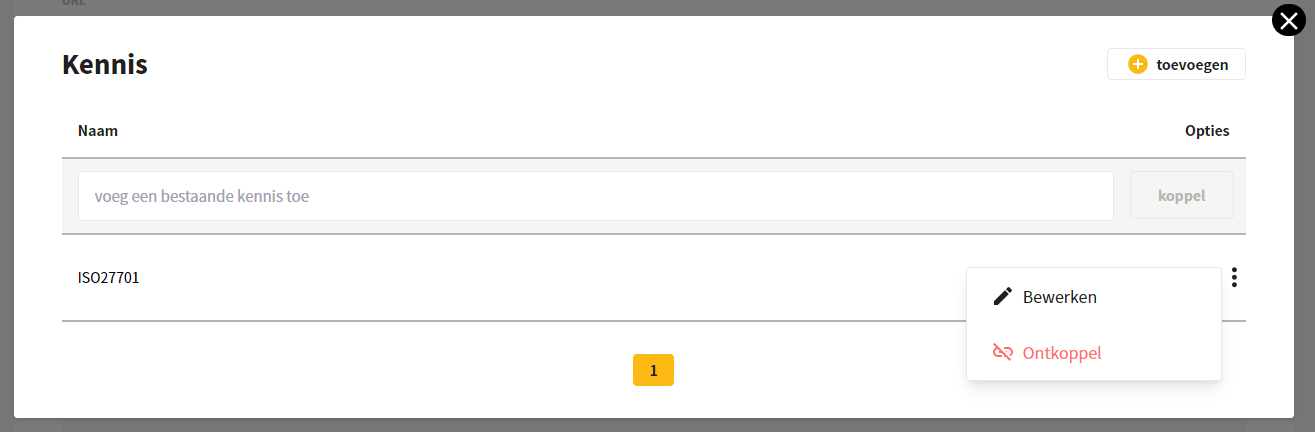
Door op de puntjes te klikken kun je kennis, competenties, bevoegdheden en bewijslasten ontkoppelen van of bewerken bij een rol.
---
# Agent Instructions
This documentation is published with GitBook. GitBook is the documentation platform designed so that both humans and AI agents can read, navigate, and reason over technical content effectively. Learn more at gitbook.com.
## Querying This Documentation
If you need additional information that is not directly available in this page, you can query the documentation dynamically by asking a question.
Perform an HTTP GET request on the current page URL with the `ask` query parameter, and the optional `goal` query parameter:
```
GET https://docs.controlbee.nl/uitvoeren/rollen.md?ask=&goal=
```
`ask` is the immediate question: it should be specific, self-contained, and written in natural language.
`goal` is optional and describes the broader end goal you are ultimately trying to accomplish on behalf of the user. GitBook uses it to tailor the answer towards what is most useful for that goal.
The response will contain a direct answer to the question and relevant excerpts and sources from the documentation.
Use this mechanism when the answer is not explicitly present in the current page, you need clarification or additional context, or you want to retrieve related documentation sections.