> For the complete documentation index, see [llms.txt](https://docs.controlbee.nl/llms.txt). Markdown versions of documentation pages are available by appending `.md` to page URLs; this page is available as [Markdown](https://docs.controlbee.nl/en/plannen/risicos.md).
# Risks
Capture, link, and manage risks and opportunities
The organization identifies risks in order to be aware of the opportunities that the risks bring, and to be able to mitigate the threats resulting from those risks.
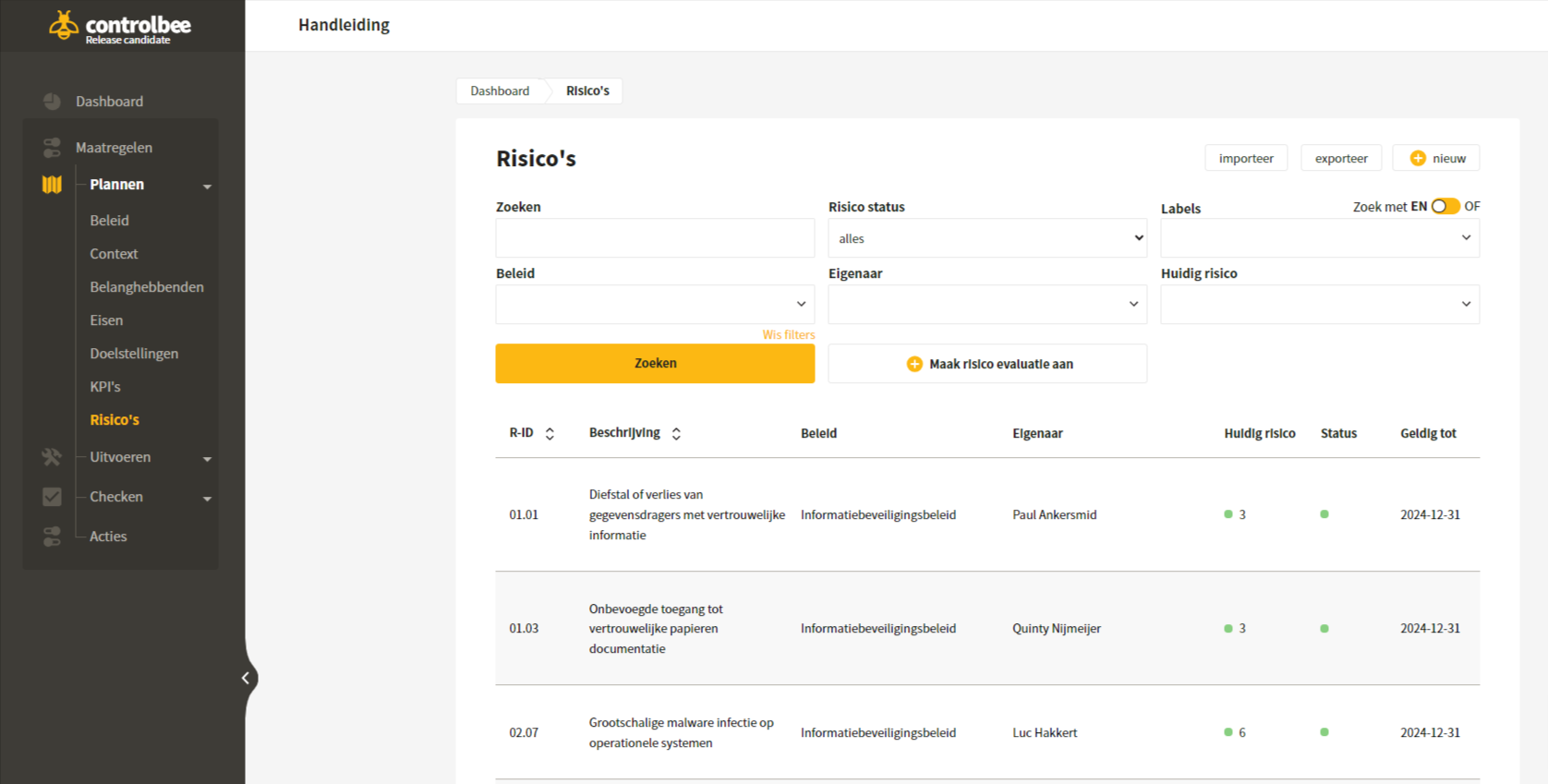
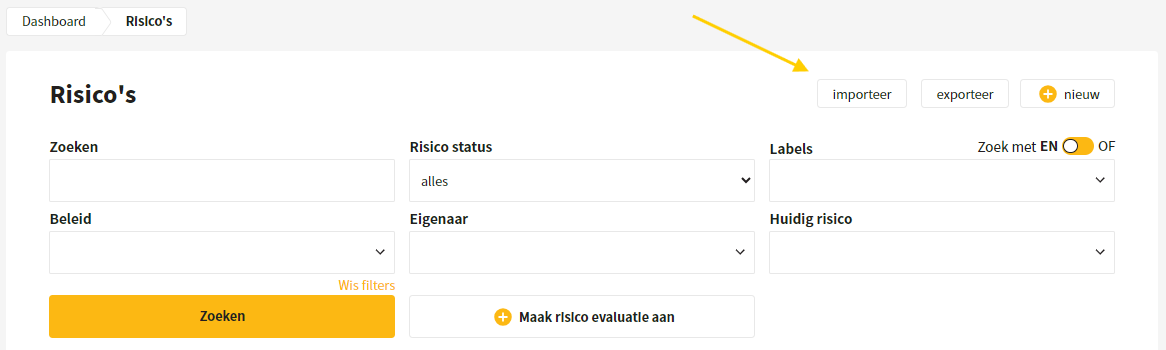
In the overview you will find all risks that were created manually or imported. For each risk you can see: the risk ID, the description, the policy it relates to, who the owner is, what the current risk value is, what the status is, and until what date the risk is valid.
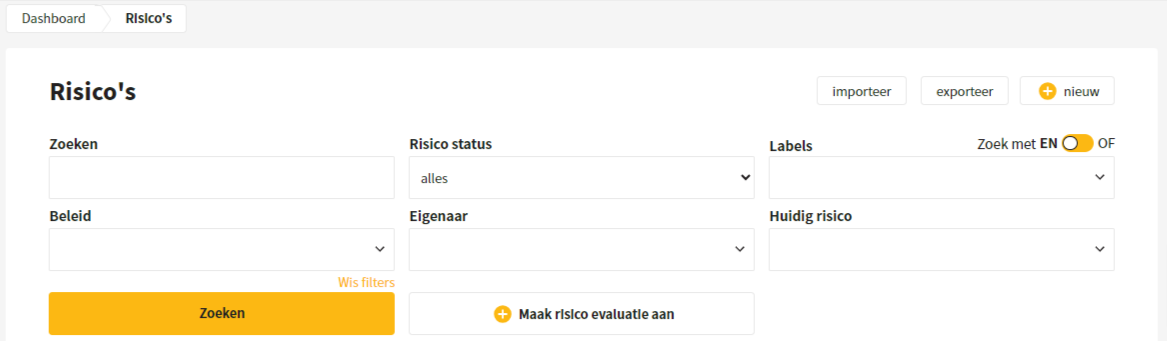
Risks can be searched using a search term or by applying filters. In addition, a risk assessment can be created in which you add or adjust the values and status of the risks.
## Create new risk
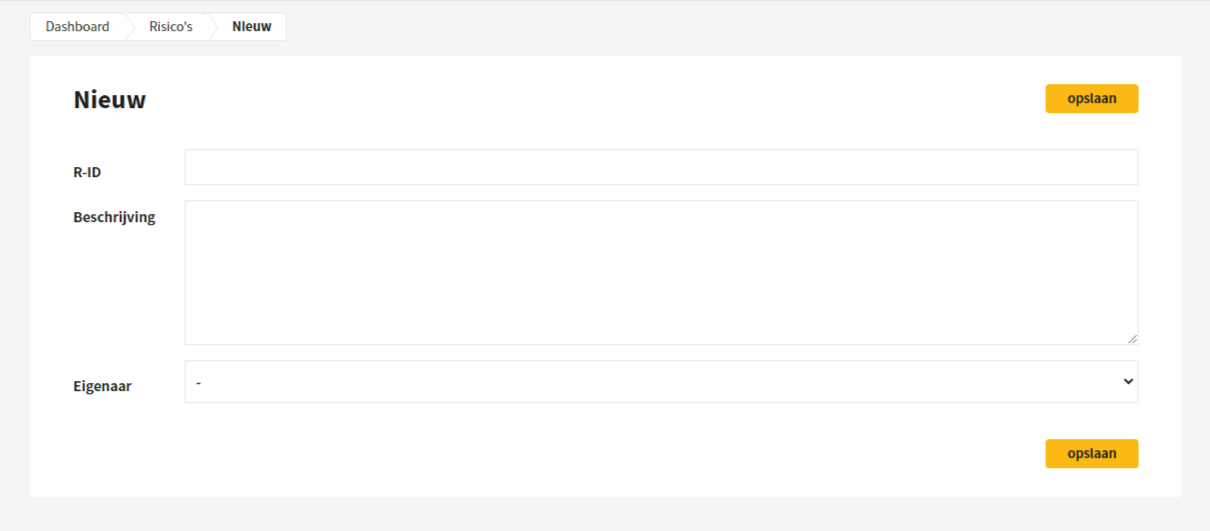
When creating a risk, the user gives the risk a number and a description, for example: unauthorized access to personal data leads to a data breach. Next, it can be indicated who the owner of this risk is.
## Edit and delete risk
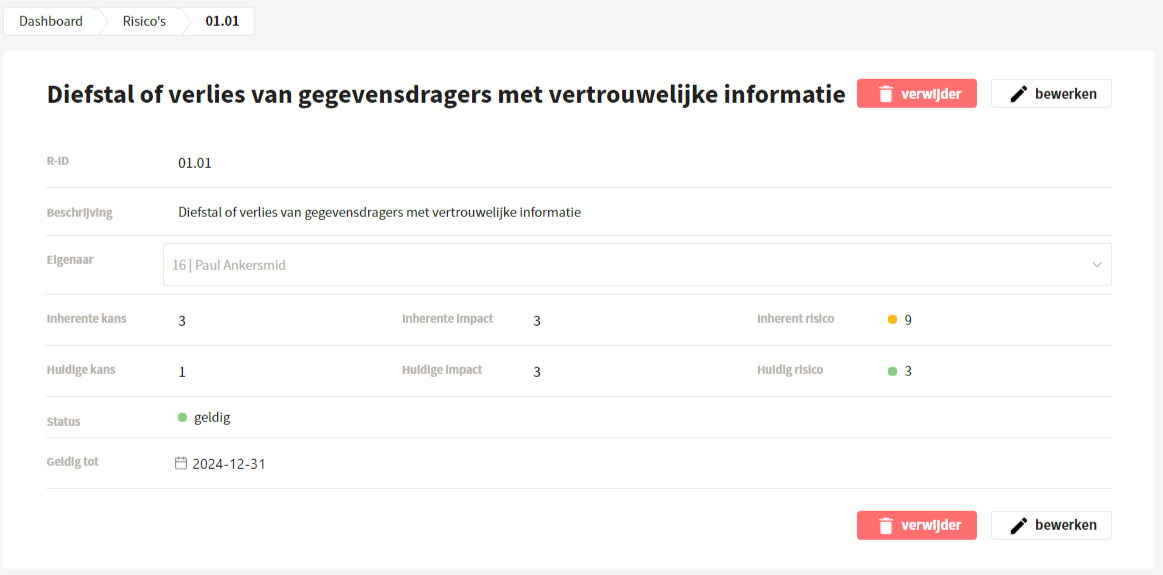
After a risk is saved, you can click through to it. Here you can easily edit and delete the risk.
## Import and export risks
The user can also add multiple risks at once by importing an xlsx file with all risks. In addition, the risks can be edited and exported in xlsx format.
## Linking risks and Controls
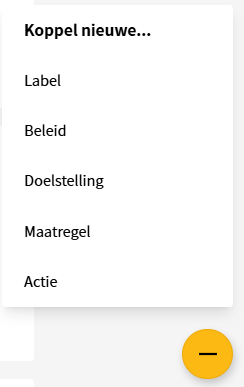
Risks are linked to Controls, because Controls affect the likelihood and/or impact of a risk. An example is the risk 'Unauthorized access to personal data leads to a data breach', which can be linked to the Control 'A.18.1.4 Privacy and protection of personal data'. From a risk, Controls can be linked, and vice versa. Adding new linked fields is done via the yellow plus in the bottom right of the screen.
---
# Agent Instructions
This documentation is published with GitBook. GitBook is the documentation platform designed so that both humans and AI agents can read, navigate, and reason over technical content effectively. Learn more at gitbook.com.
## Querying This Documentation
If you need additional information that is not directly available in this page, you can query the documentation dynamically by asking a question.
Perform an HTTP GET request on the current page URL with the `ask` query parameter, and the optional `goal` query parameter:
```
GET https://docs.controlbee.nl/en/plannen/risicos.md?ask=&goal=
```
`ask` is the immediate question: it should be specific, self-contained, and written in natural language.
`goal` is optional and describes the broader end goal you are ultimately trying to accomplish on behalf of the user. GitBook uses it to tailor the answer towards what is most useful for that goal.
The response will contain a direct answer to the question and relevant excerpts and sources from the documentation.
Use this mechanism when the answer is not explicitly present in the current page, you need clarification or additional context, or you want to retrieve related documentation sections.