> For the complete documentation index, see [llms.txt](https://docs.controlbee.nl/llms.txt). Markdown versions of documentation pages are available by appending `.md` to page URLs; this page is available as [Markdown](https://docs.controlbee.nl/en/maatregelen.md).
# Controls
Controls in ControlBee form the basis for compliance. By linking evidence to a Control, compliance can be demonstrated. Controls arise from requirements, objectives and risks.
## Controls overview
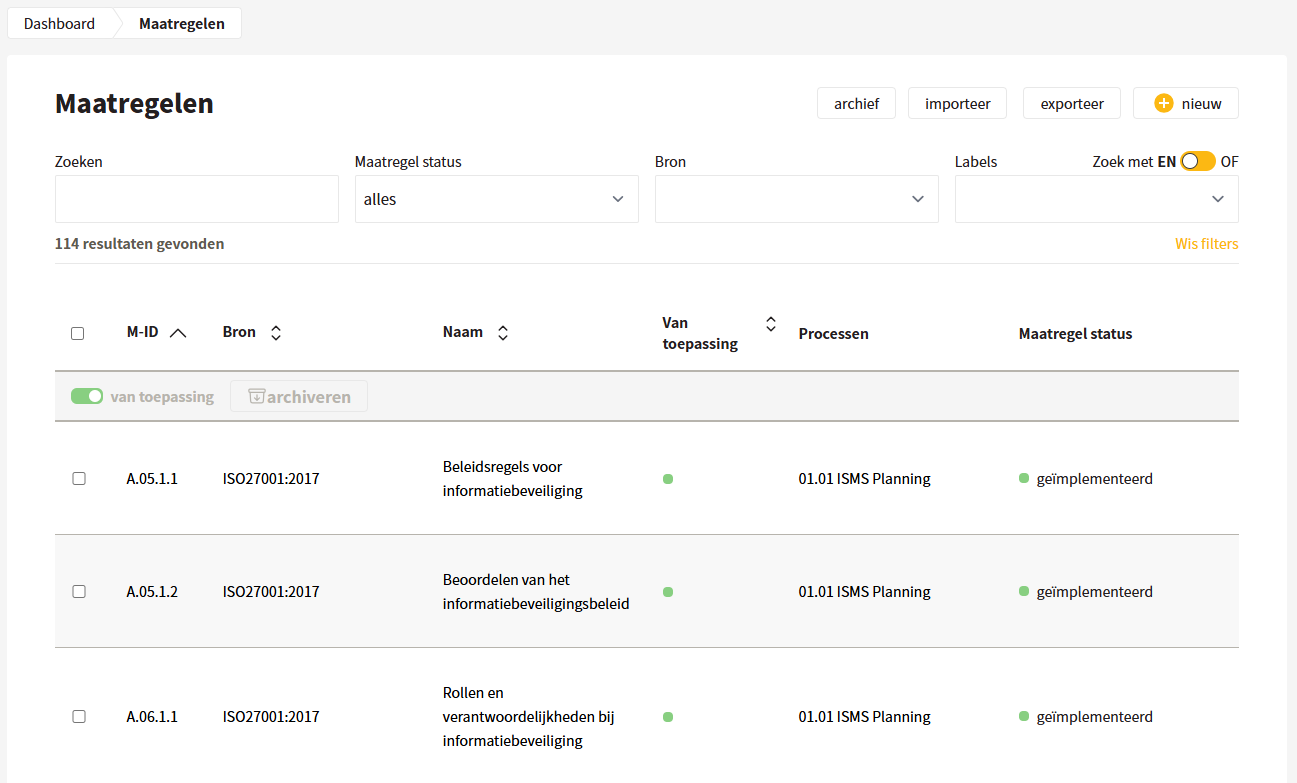
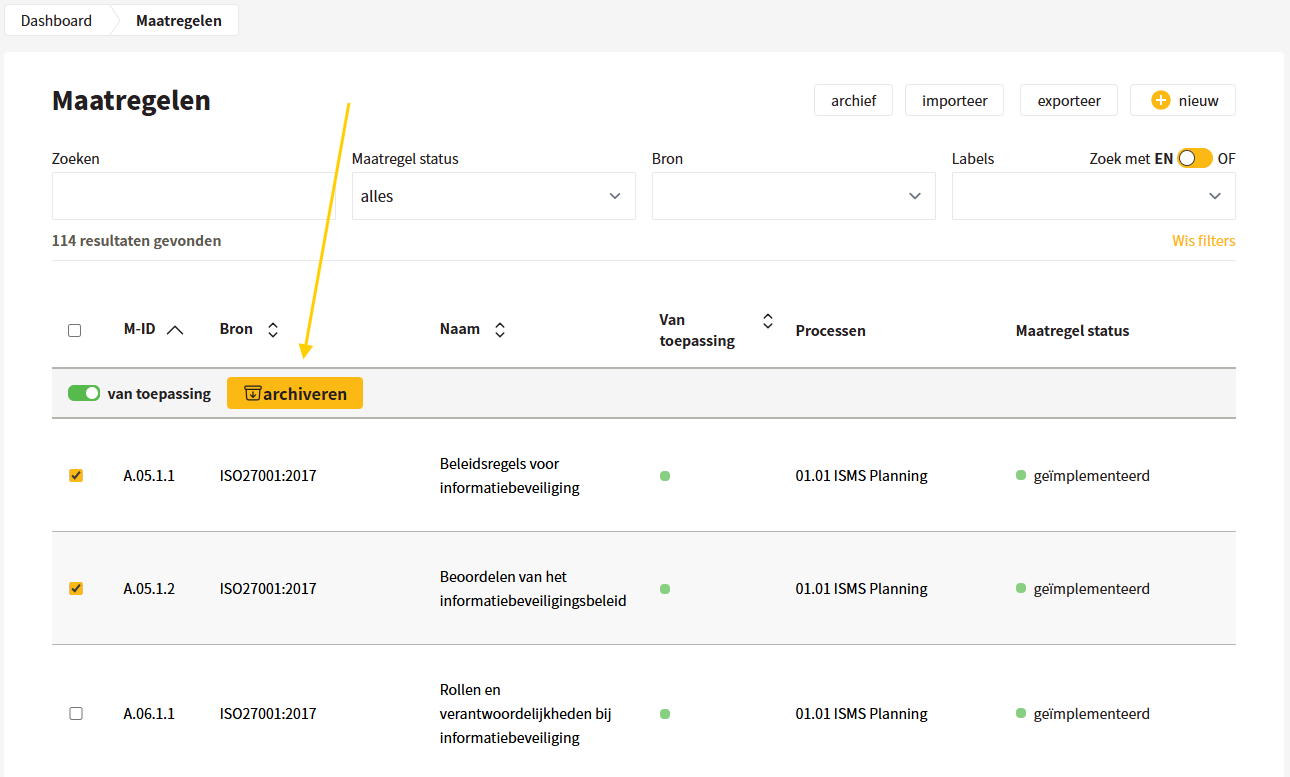
Here the user finds an overview of all Controls that have been created or imported. In the overview, you can see per Control whether the Control applies, under which process the Control is linked, and what the current status of the Controls is.
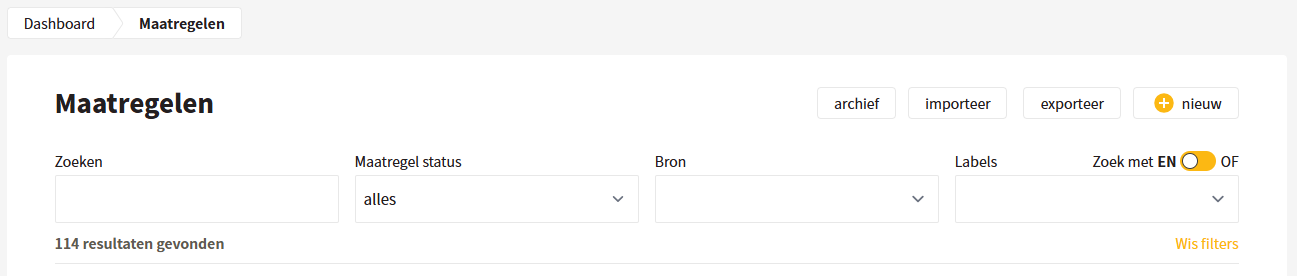
Controls can be easily found by entering a search term or by filtering the Controls by control status, source and labels.
## Creating Controls
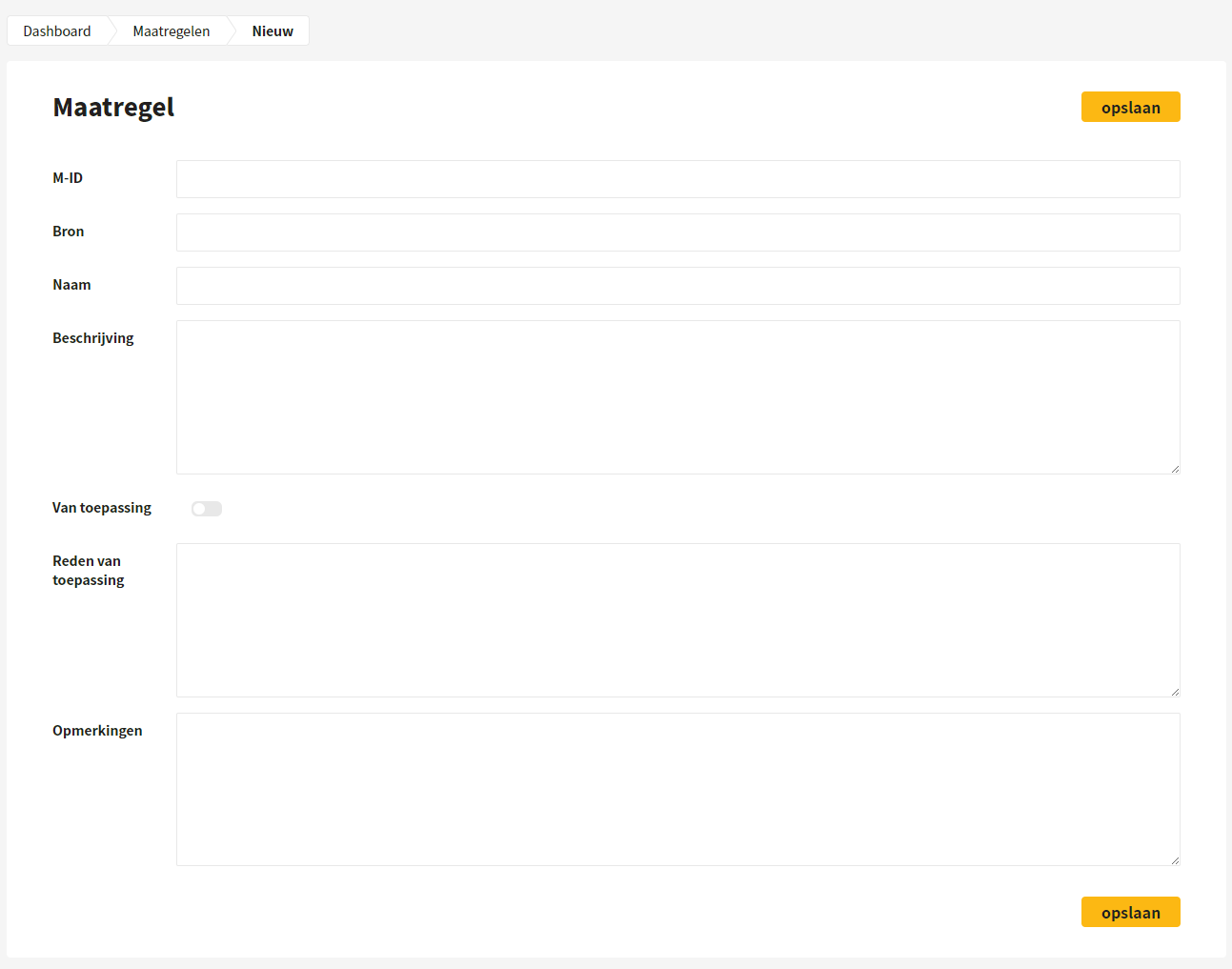
When creating a Control, the user gives the Control a number and indicates from which source this Control comes, for example from ISO 27001. Next, the Control is given a name, for example: Privacy and protection of personal data, and a description, for example: Privacy and protection of personal data must, insofar as applicable, be ensured in accordance with relevant laws and regulations. Then it can be indicated whether the Control is applicable and why it is applicable.
## Importing and exporting Controls
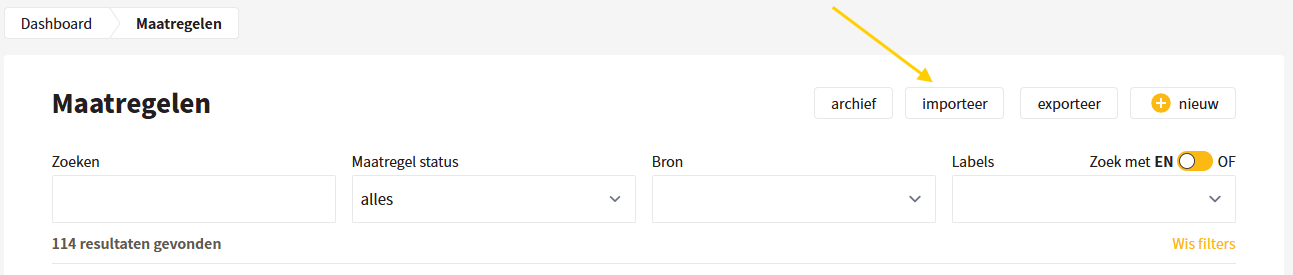
The user can also add multiple Controls at once by importing an xlsx file with all Controls. This can for example be the entire ISO 27001 standard. In addition, the Controls can be edited and exported in xlsx format. When exporting Controls, all Controls can be exported, but also only the filtered Controls.
## Archiving Controls
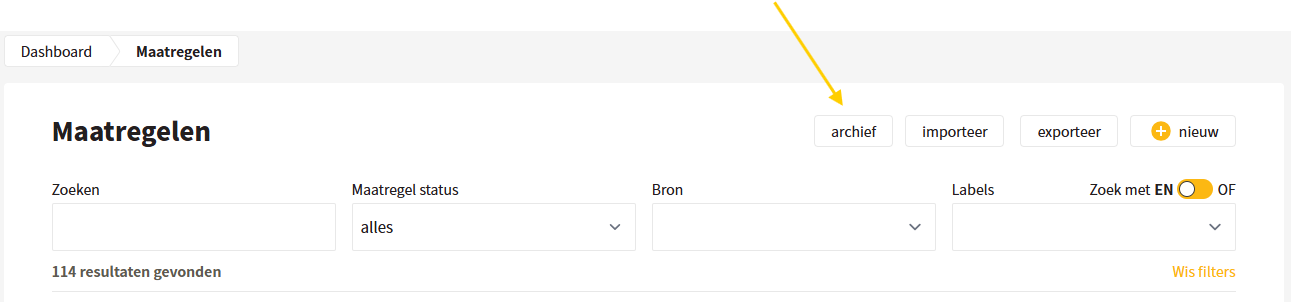
Controls can be archived. To do this, select the Controls you want to archive as a user, and then use the 'archive' button. The Controls are then placed in the archive, which means that audit findings are retained, but the Controls are no longer visible to users. This function can be used once a new version of a standard is available and the old version is therefore no longer applicable.
## Deleting Controls
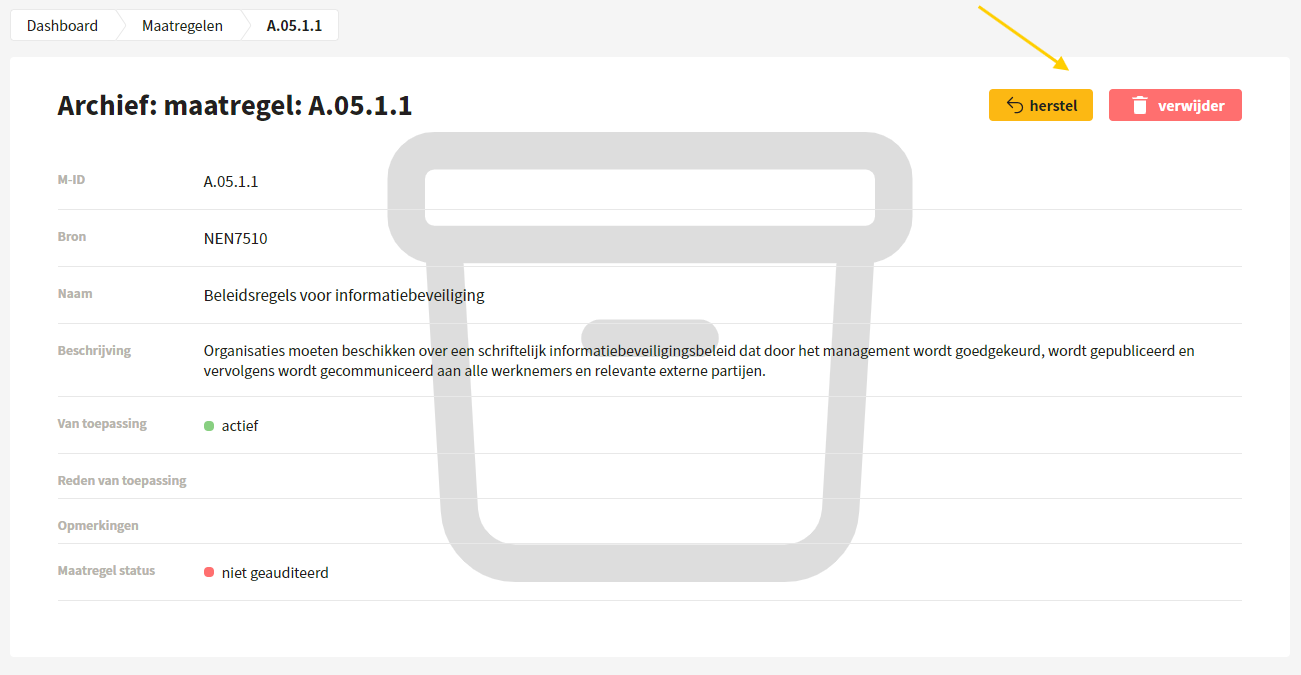
From the archive, it is possible to restore Controls, but also to permanently delete Controls.
{% hint style="warning" %}
Note: if Controls are removed from the archive, all audit findings of the relevant Control(s) are also removed.
{% endhint %}
## Linking: Controls, requirements, objectives, risks and processes
Controls arise from requirements, objectives and/or risks; these links can be made among each other. Think of Control 'A.7.2.2 Awareness, education and training regarding information security', which can be linked to a requirement 'Accredited ISO 27001 certification', to an objective 'Promoting awareness among employees', or to a risk 'Low awareness of information security among employees'. In addition, Controls are carried out in processes and Control 'A.7.2.2' can be linked to the process 'Personnel'.
---
# Agent Instructions
This documentation is published with GitBook. GitBook is the documentation platform designed so that both humans and AI agents can read, navigate, and reason over technical content effectively. Learn more at gitbook.com.
## Querying This Documentation
If you need additional information that is not directly available in this page, you can query the documentation dynamically by asking a question.
Perform an HTTP GET request on the current page URL with the `ask` query parameter, and the optional `goal` query parameter:
```
GET https://docs.controlbee.nl/en/maatregelen.md?ask=&goal=
```
`ask` is the immediate question: it should be specific, self-contained, and written in natural language.
`goal` is optional and describes the broader end goal you are ultimately trying to accomplish on behalf of the user. GitBook uses it to tailor the answer towards what is most useful for that goal.
The response will contain a direct answer to the question and relevant excerpts and sources from the documentation.
Use this mechanism when the answer is not explicitly present in the current page, you need clarification or additional context, or you want to retrieve related documentation sections.