> For the complete documentation index, see [llms.txt](https://docs.controlbee.nl/llms.txt). Markdown versions of documentation pages are available by appending `.md` to page URLs; this page is available as [Markdown](https://docs.controlbee.nl/de/profiel/bedrijfsbeheer/algemeen-en-api.md).
# Allgemein und API
Allgemeine Unternehmenseinstellungen und die ControlBee-API
## Allgemeine Informationen
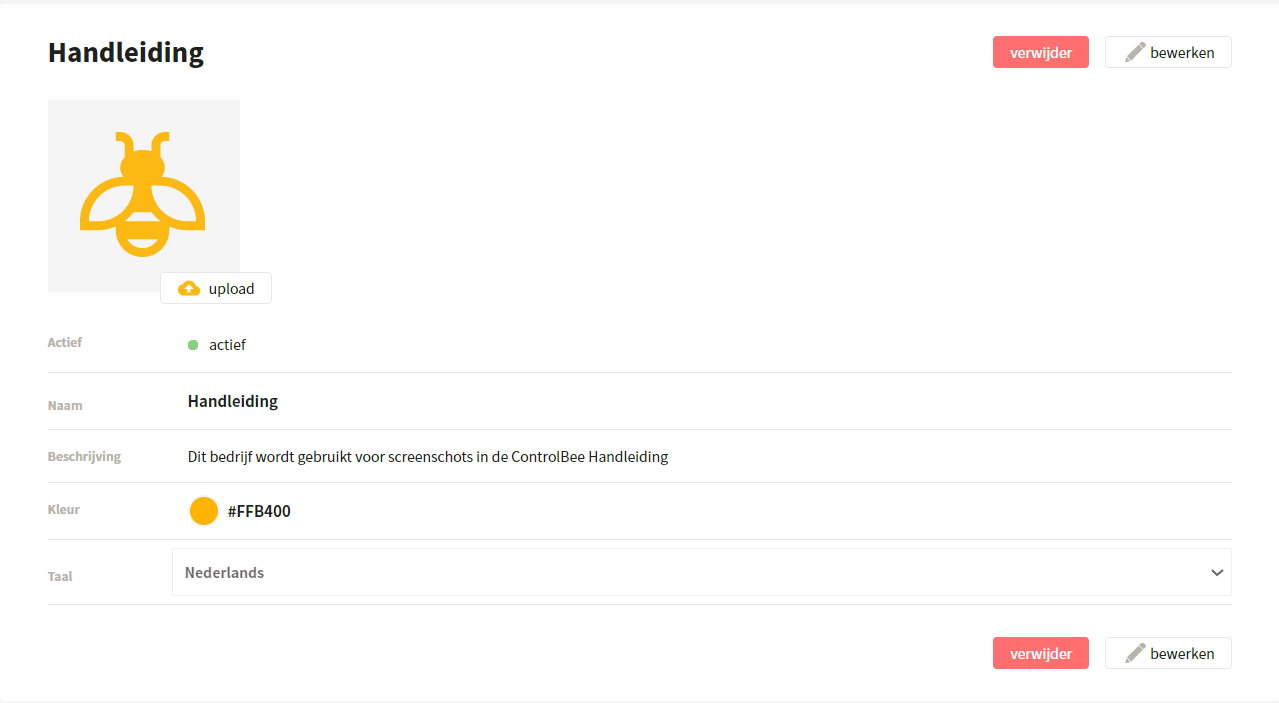
Der Administrator ändert hier:
* **Das Firmenlogo** — erscheint in den Word- und PDF-Exporten
* **Aktiv/inaktiv** — legt fest, ob das Unternehmen in ControlBee aktiv ist und ob Benutzer Zugriff haben
* **Der Firmenname**
* **Die Firmenbeschreibung**
* **Die Farbe** die verwendet wird, um die Überschriften in PDF- und Word-Exporten zu formatieren
* **Die Sprache** der Umgebung
## API
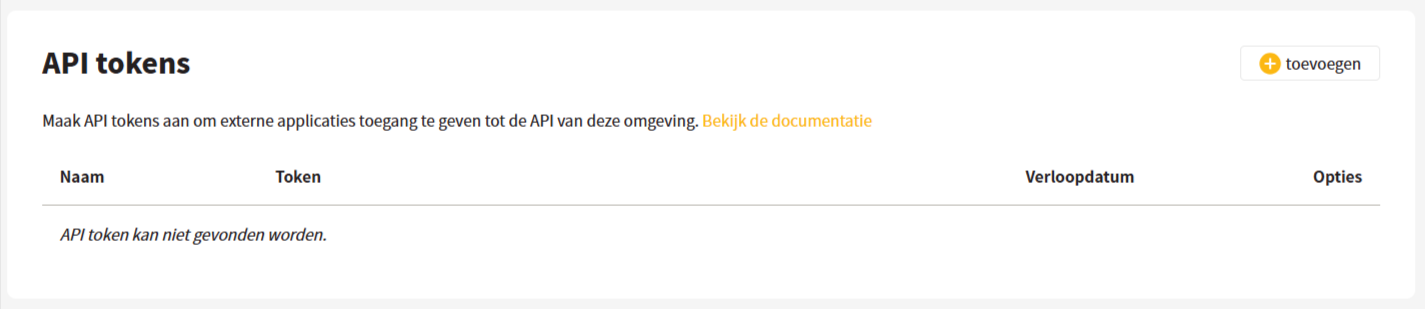
ControlBee verfügt über eine API, mit der Verknüpfungen mit anderen Anwendungen des Unternehmens oder mit KI-Tools hergestellt werden können. Um zu sehen, welche Funktionen derzeit verfügbar sind, und um die technischen Details einzusehen, kann der Unternehmensadministrator den Link auf dieser Seite verwenden. Außerdem können API-Tokens erstellt, eingesehen und gelöscht werden.
{% hint style="info" %}
Fehlt eine Funktion in der API? Teilen Sie uns über die Feedback-Schaltfläche mit, welche Funktion für Ihre Organisation bereitgestellt werden soll, dann machen wir uns daran.
{% endhint %}
---
# Agent Instructions
This documentation is published with GitBook. GitBook is the documentation platform designed so that both humans and AI agents can read, navigate, and reason over technical content effectively. Learn more at gitbook.com.
## Querying This Documentation
If you need additional information that is not directly available in this page, you can query the documentation dynamically by asking a question.
Perform an HTTP GET request on the current page URL with the `ask` query parameter, and the optional `goal` query parameter:
```
GET https://docs.controlbee.nl/de/profiel/bedrijfsbeheer/algemeen-en-api.md?ask=&goal=
```
`ask` is the immediate question: it should be specific, self-contained, and written in natural language.
`goal` is optional and describes the broader end goal you are ultimately trying to accomplish on behalf of the user. GitBook uses it to tailor the answer towards what is most useful for that goal.
The response will contain a direct answer to the question and relevant excerpts and sources from the documentation.
Use this mechanism when the answer is not explicitly present in the current page, you need clarification or additional context, or you want to retrieve related documentation sections.