> For the complete documentation index, see [llms.txt](https://docs.controlbee.nl/llms.txt). Markdown versions of documentation pages are available by appending `.md` to page URLs; this page is available as [Markdown](https://docs.controlbee.nl/de/plannen/belanghebbenden.md).
# Interessierte Parteien
Organisationen und Einzelpersonen, die die Organisation beeinflussen oder von ihr beeinflusst werden
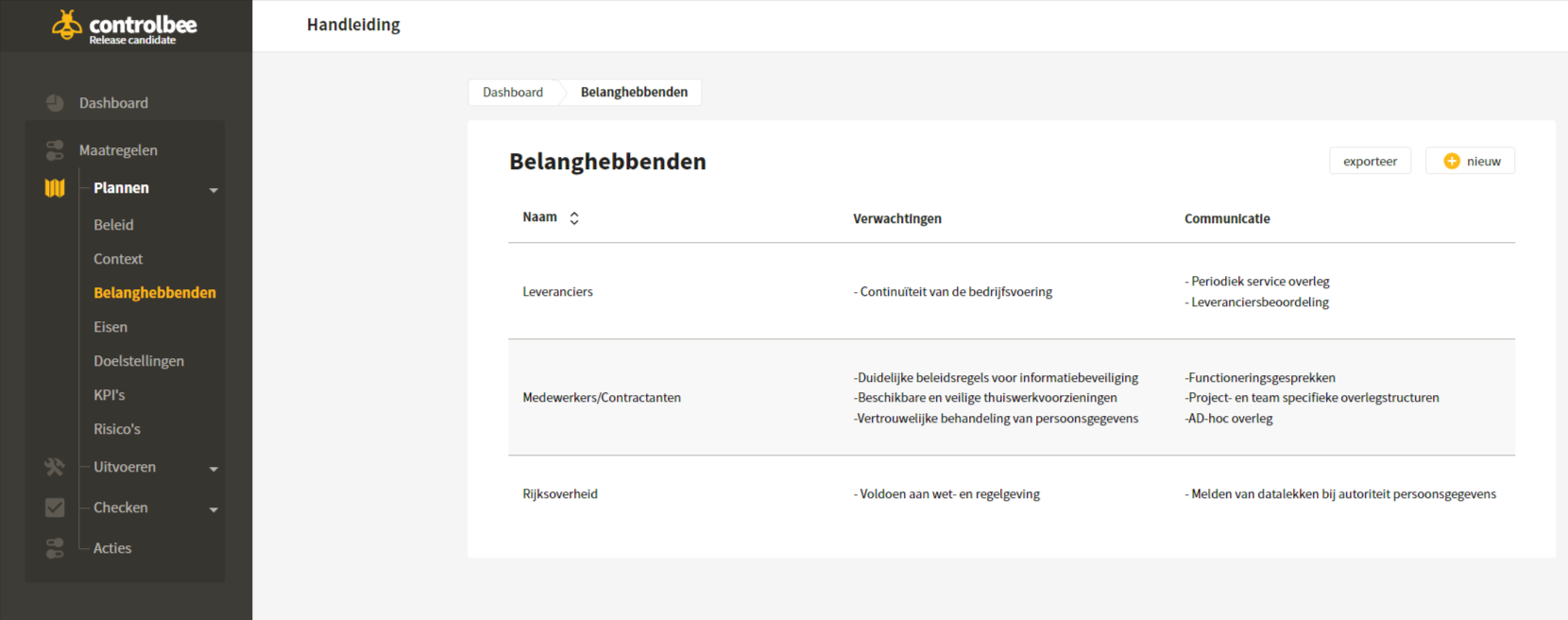
Interessierte Parteien werden aufgrund des (möglichen) Einflusses, den sie auf die Fähigkeit der Organisation haben, Produkte und Dienstleistungen konsequent bereitzustellen, bestimmt.
Interessierte Parteien sind Organisationen und Einzelpersonen, die Tätigkeiten, Produkte oder Dienstleistungen beeinflussen oder von ihnen beeinflusst werden. Denken Sie an Mitarbeitende, die erwarten, dass mit Daten vertraulich umgegangen wird, oder an die Regierung, die erwartet, dass die Organisation Gesetze und Vorschriften einhält.
## Neue interessierte Parteien anlegen
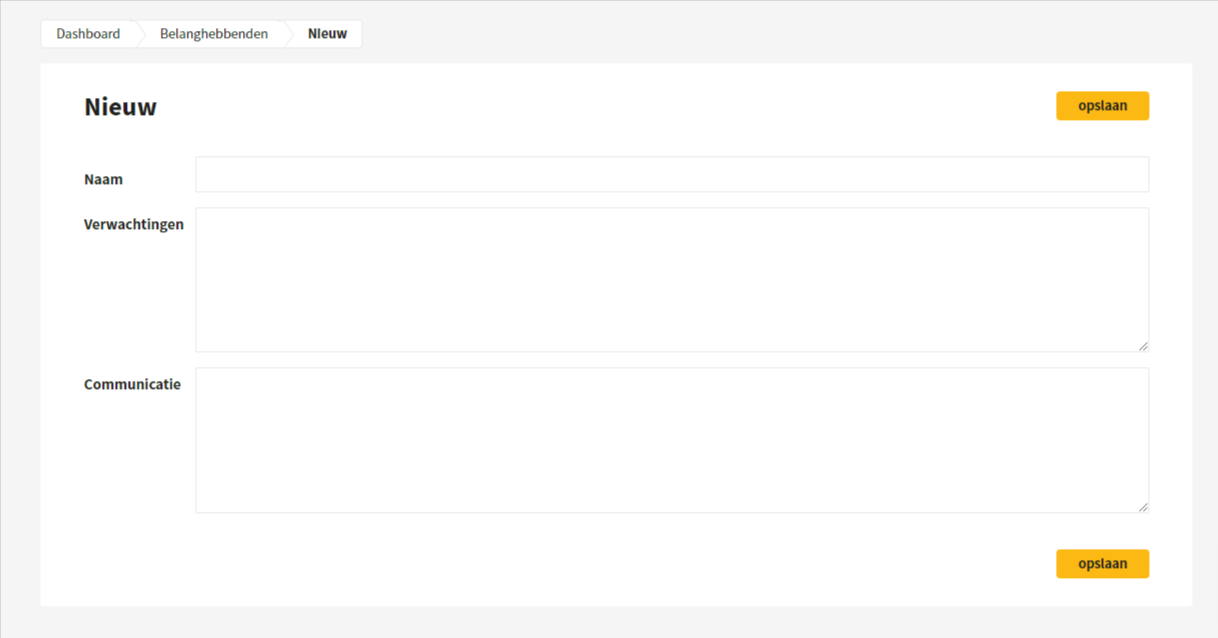
Ein Benutzer kann neue interessierte Parteien anlegen, indem er den Namen eingibt, Erwartungen festlegt und die Kommunikationsweise angibt.
## Übersicht interessierter Parteien exportieren
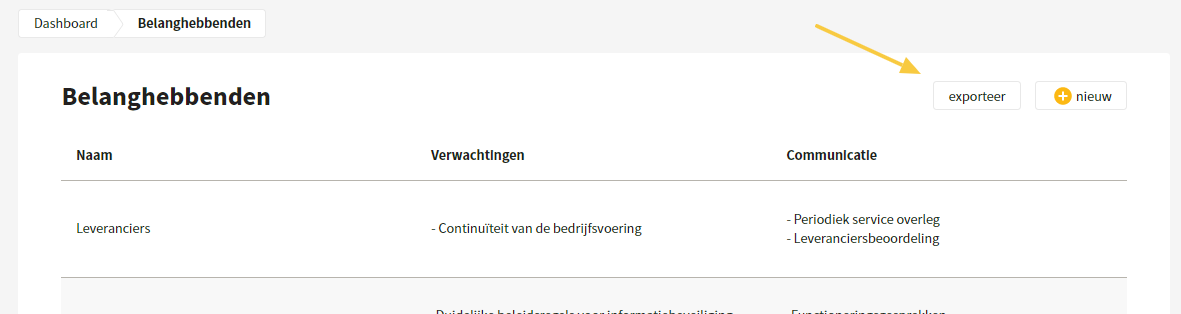
Eine Übersicht der interessierten Parteien kann im xlsx-Format exportiert werden.
## Interessierte Partei bearbeiten und löschen
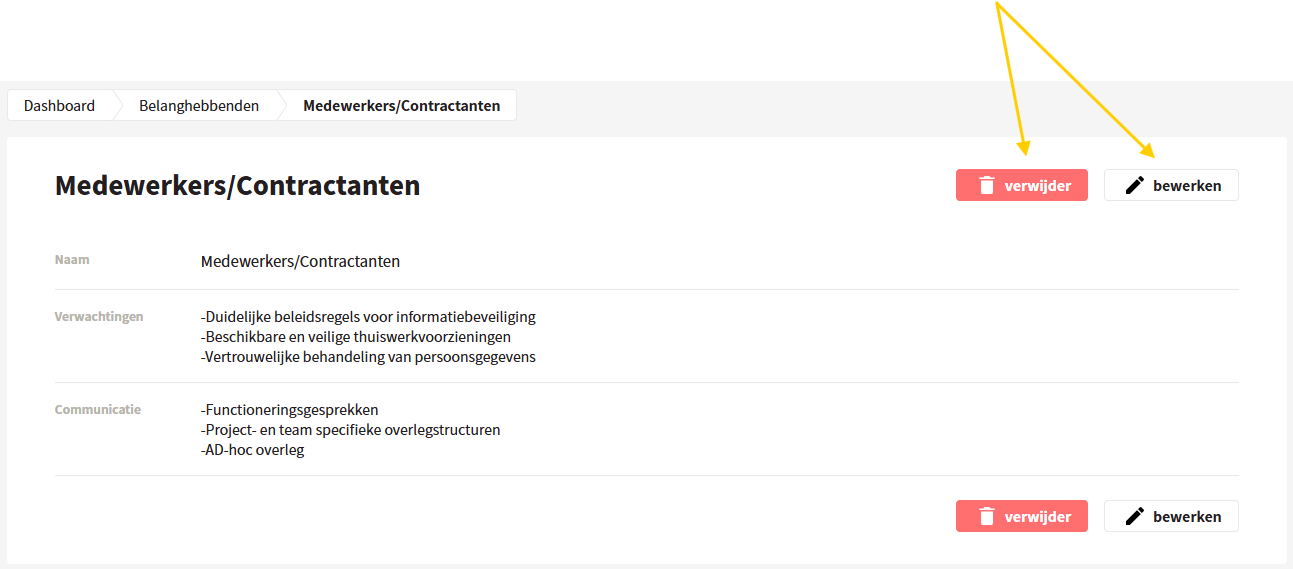
Wenn du auf eine interessierte Partei klickst, kannst du den Namen, die Erwartungen und die Kommunikationsweise einfach bearbeiten oder löschen.
---
# Agent Instructions
This documentation is published with GitBook. GitBook is the documentation platform designed so that both humans and AI agents can read, navigate, and reason over technical content effectively. Learn more at gitbook.com.
## Querying This Documentation
If you need additional information that is not directly available in this page, you can query the documentation dynamically by asking a question.
Perform an HTTP GET request on the current page URL with the `ask` query parameter, and the optional `goal` query parameter:
```
GET https://docs.controlbee.nl/de/plannen/belanghebbenden.md?ask=&goal=
```
`ask` is the immediate question: it should be specific, self-contained, and written in natural language.
`goal` is optional and describes the broader end goal you are ultimately trying to accomplish on behalf of the user. GitBook uses it to tailor the answer towards what is most useful for that goal.
The response will contain a direct answer to the question and relevant excerpts and sources from the documentation.
Use this mechanism when the answer is not explicitly present in the current page, you need clarification or additional context, or you want to retrieve related documentation sections.