> For the complete documentation index, see [llms.txt](https://docs.controlbee.nl/llms.txt). Markdown versions of documentation pages are available by appending `.md` to page URLs; this page is available as [Markdown](https://docs.controlbee.nl/de/checken/risico-evaluatie.md).
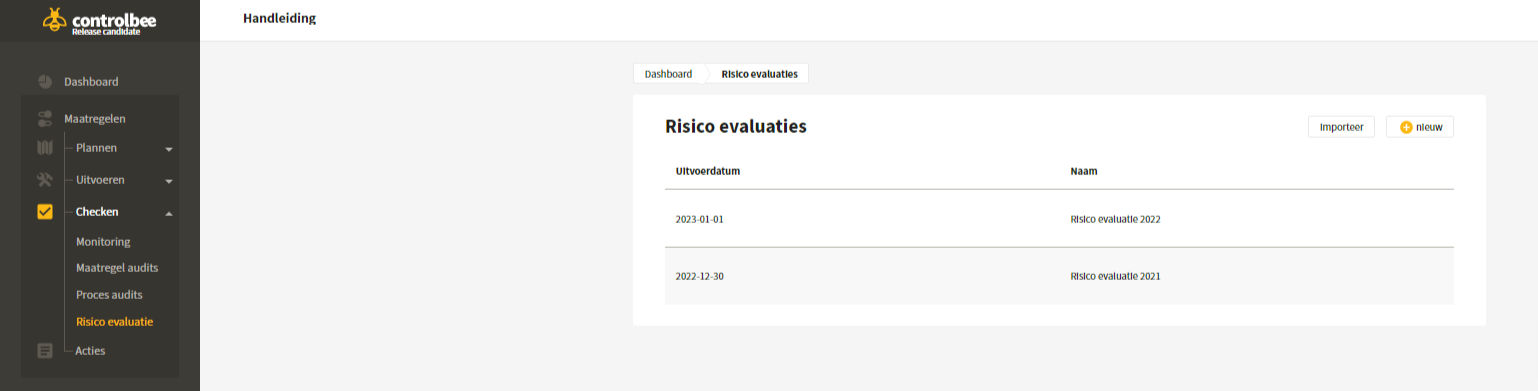
# Risikobewertung
Wahrscheinlichkeit und Auswirkungen von Risiken beurteilen und festlegen, was akzeptabel ist
Das Ziel der Risikobewertung ist es, einen Einblick in die aktuelle Wahrscheinlichkeit und Auswirkung der erfassten Risiken zu erhalten und zu bestimmen, welche Risiken auf Grundlage der Risikomatrix und der Risikokriterien unakzeptabel hoch sind und daher gemindert werden müssen und welche von der Organisation akzeptiert werden können.
## Risikobewertung erstellen
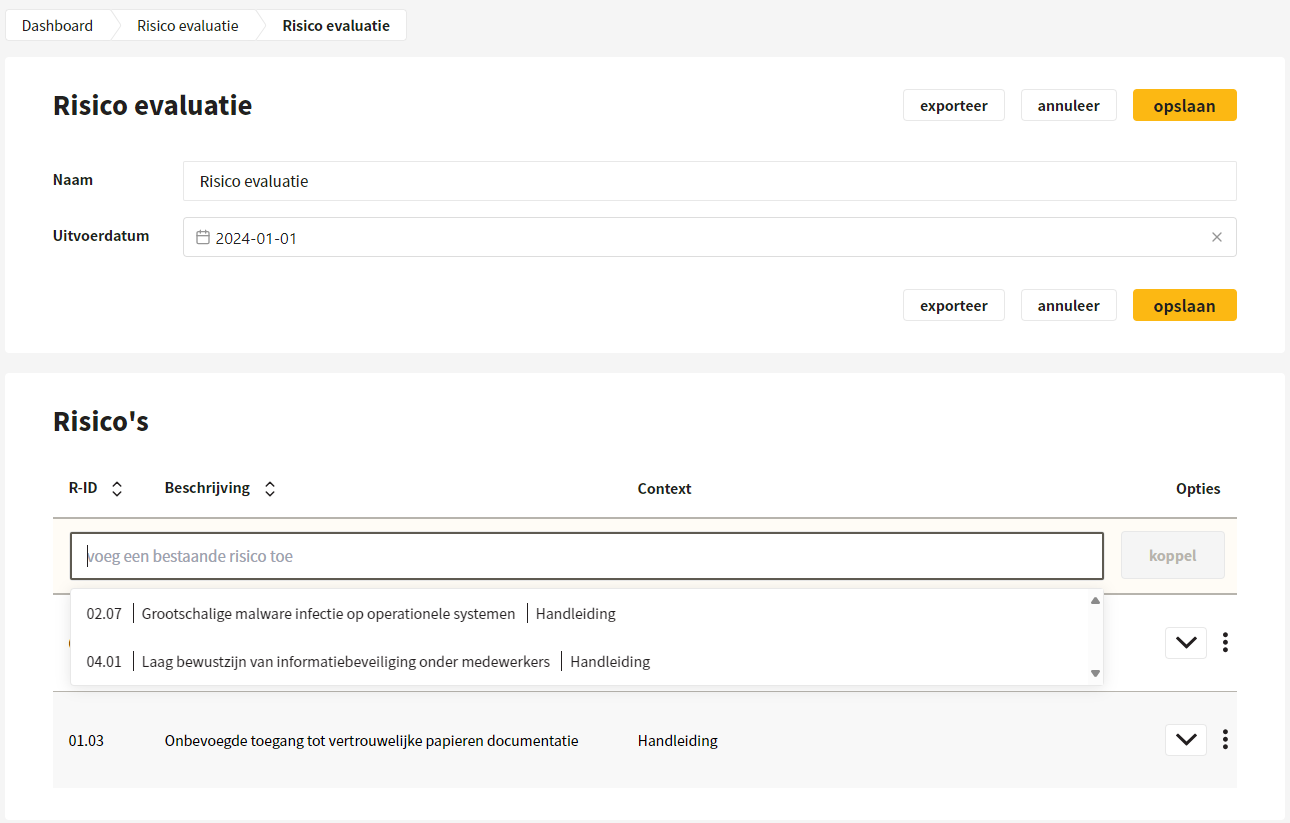
Der Benutzer gibt der Bewertung einen Namen und trägt das Ausführungsdatum ein. Durch Klicken auf 'ein bestehendes Risiko hinzufügen' und Verknüpfen bestimmt der Benutzer selbst, welche Risiken bewertet werden. Ein Risiko kann durch Klicken auf die drei Punkte entkoppelt werden.
{% hint style="success" %}
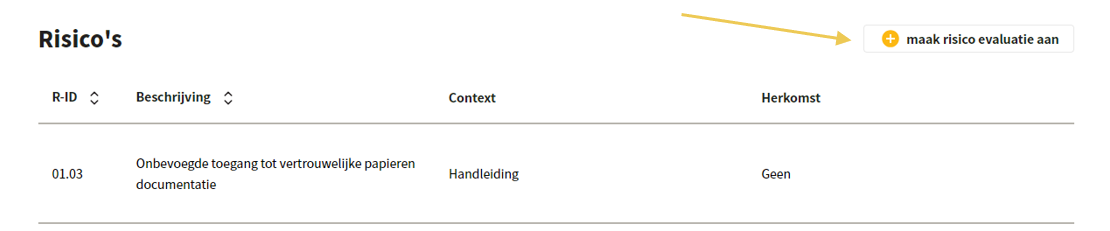
Eine Risikobewertung kann auch über eine Aktion erstellt werden, an die Risiken verknüpft sind.
{% endhint %}
## Bewertung der Risiken
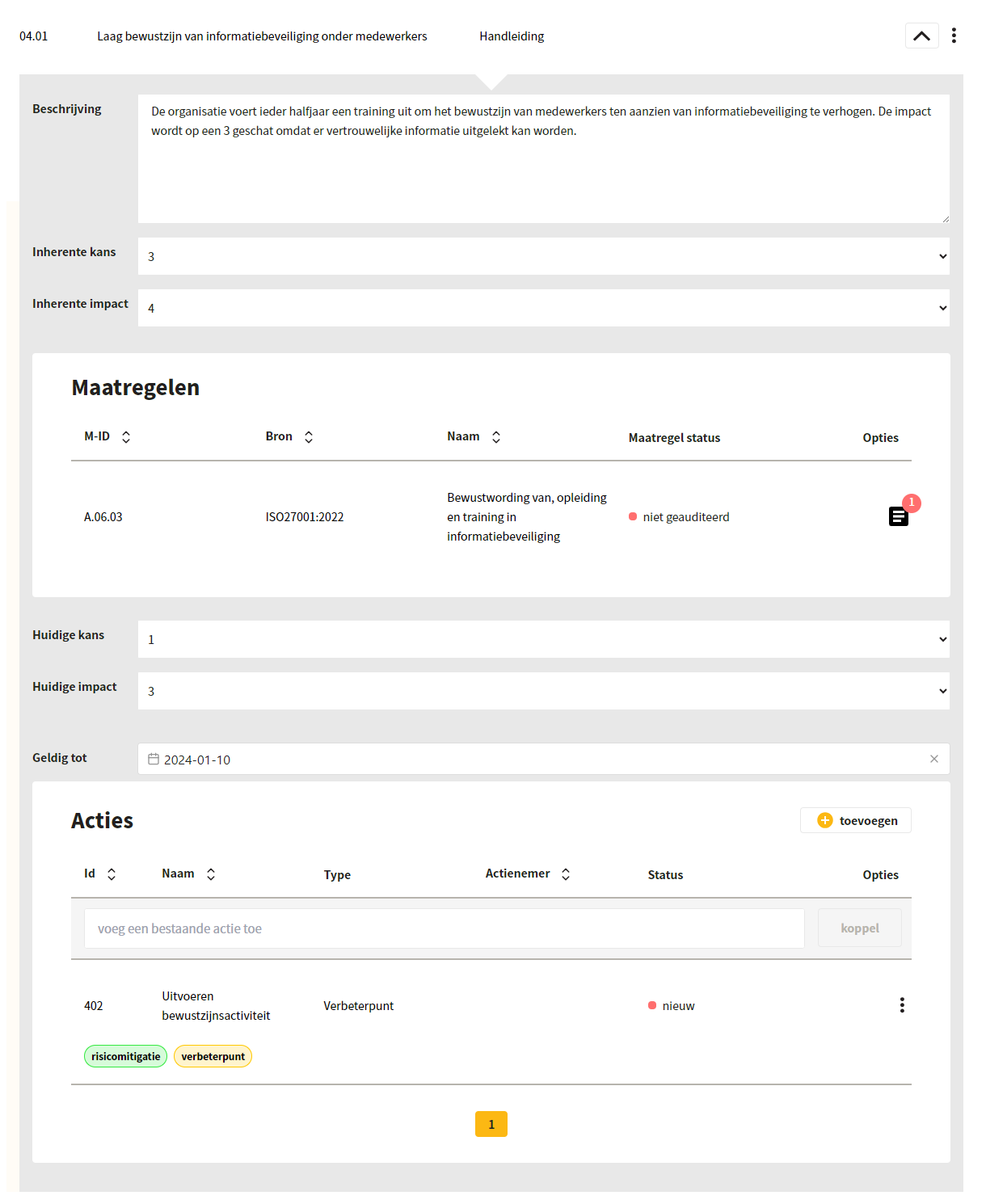
Pro Risiko notiert der Benutzer, was während der Bewertung besprochen wurde und wie die anfängliche Wahrscheinlichkeit und die anfängliche Auswirkung sind. Dabei kann aus 1 (sehr niedrig), 2 (niedrig), 3 (mittel), 4 (hoch) und 5 (sehr hoch) auf Basis einer fünfstufigen Skala gewählt werden. Anschließend werden die Maßnahmen angezeigt, die Wahrscheinlichkeit und Auswirkung beeinflussen, und der Benutzer kann die aktuelle Wahrscheinlichkeit und aktuelle Auswirkung eintragen. Außerdem können Aktionen mit der Bewertung verknüpft werden und es wird angegeben, bis wann die Bewertung gültig ist.
{% hint style="warning" %}
Achtung: Die Größe der Risikomatrix kann von Administratoren geändert werden. Siehe [Risikomatrix](/de/profiel/bedrijfsbeheer/risico-matrix.md).
{% endhint %}
## Risikobewertung bearbeiten und exportieren
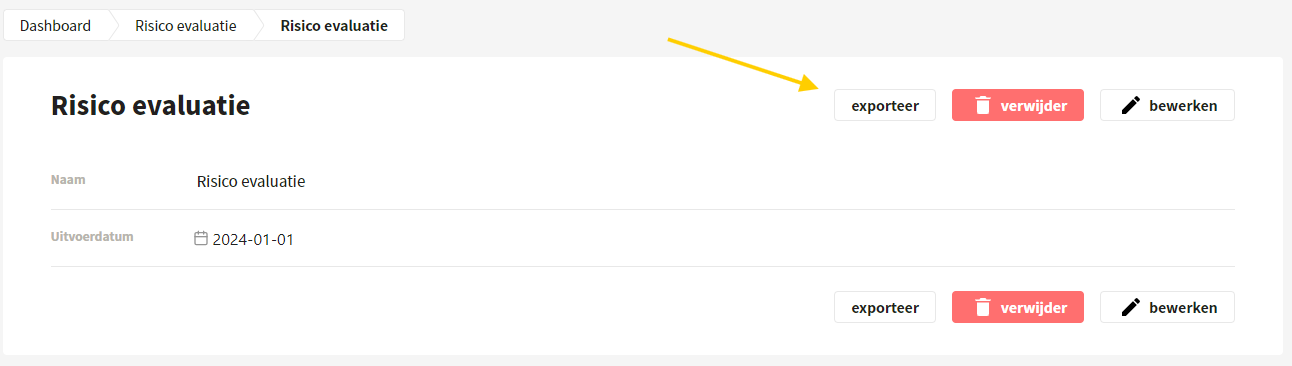
Nach dem Speichern kann die Risikobewertung noch einfach bearbeitet werden. Außerdem kann ein Export im xlsx-Format erstellt werden.
---
# Agent Instructions
This documentation is published with GitBook. GitBook is the documentation platform designed so that both humans and AI agents can read, navigate, and reason over technical content effectively. Learn more at gitbook.com.
## Querying This Documentation
If you need additional information that is not directly available in this page, you can query the documentation dynamically by asking a question.
Perform an HTTP GET request on the current page URL with the `ask` query parameter, and the optional `goal` query parameter:
```
GET https://docs.controlbee.nl/de/checken/risico-evaluatie.md?ask=&goal=
```
`ask` is the immediate question: it should be specific, self-contained, and written in natural language.
`goal` is optional and describes the broader end goal you are ultimately trying to accomplish on behalf of the user. GitBook uses it to tailor the answer towards what is most useful for that goal.
The response will contain a direct answer to the question and relevant excerpts and sources from the documentation.
Use this mechanism when the answer is not explicitly present in the current page, you need clarification or additional context, or you want to retrieve related documentation sections.