> For the complete documentation index, see [llms.txt](https://docs.controlbee.nl/llms.txt). Markdown versions of documentation pages are available by appending `.md` to page URLs; this page is available as [Markdown](https://docs.controlbee.nl/controlbee-docs/en/checken/risico-evaluatie.md).
# Risk evaluation
Assess the likelihood and impact of risks and determine what is acceptable
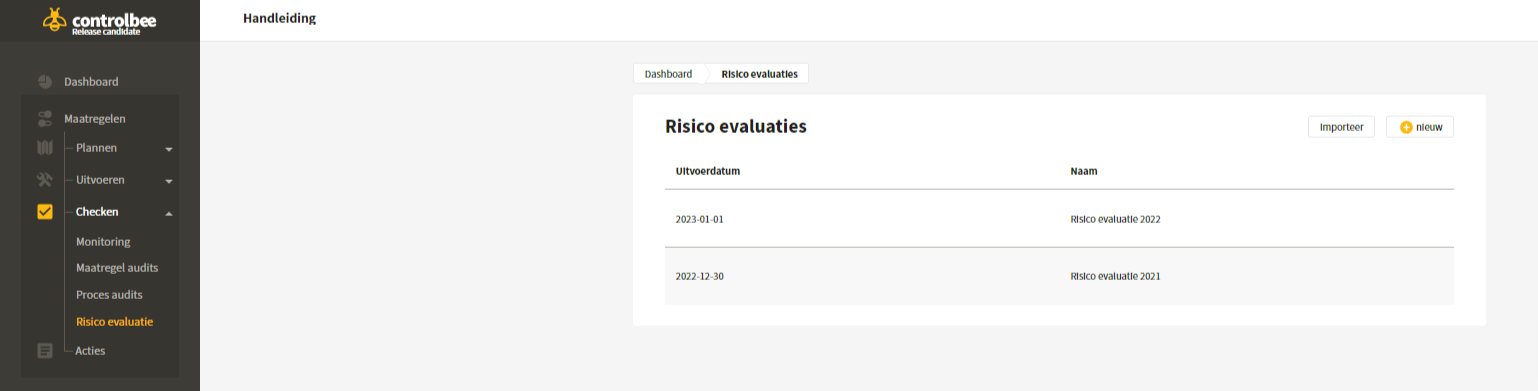
The purpose of the risk evaluation is to gain insight into the current likelihood and impact of the identified risks, and to determine which risks are unacceptably high based on the risk matrix and the risk criteria and therefore need to be mitigated, and which can be accepted by the organization.
## Create risk evaluation
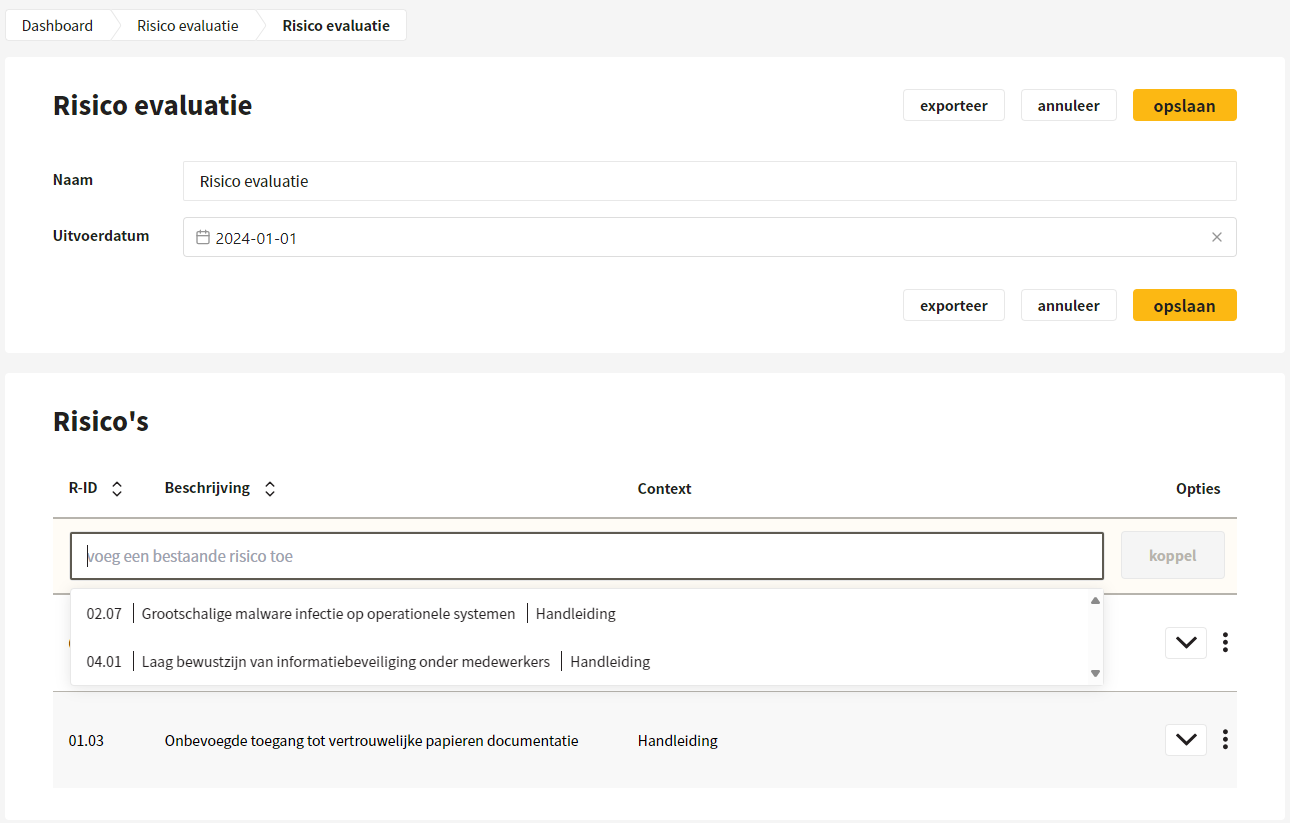
The user gives the evaluation a name and enters the execution date. By clicking 'add an existing risk' and linking it, the user determines which risks are evaluated. A risk can be unlinked by clicking the three dots.
{% hint style="success" %}
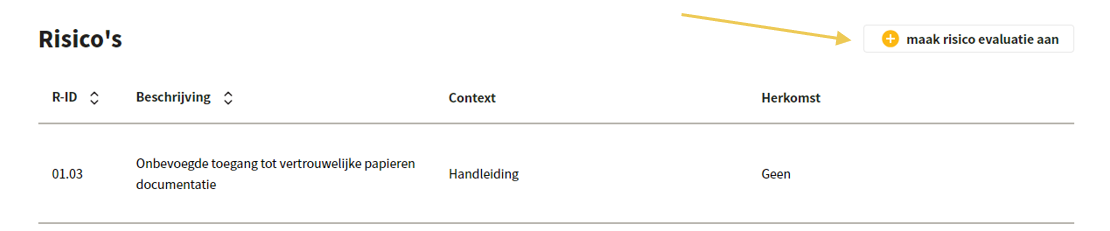
A risk evaluation can also be created via an action to which risks are linked.
{% endhint %}
## Evaluating the risks
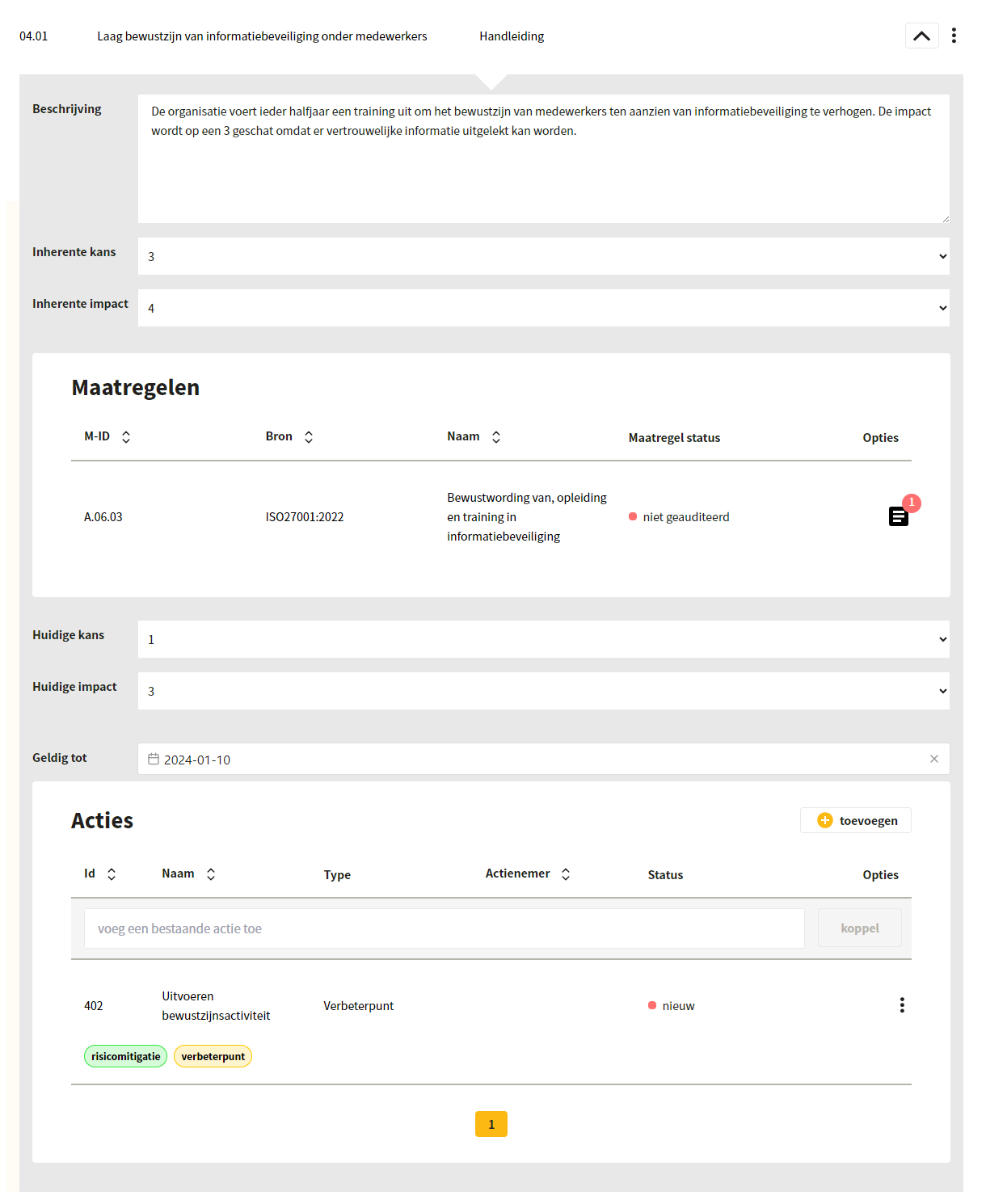
For each risk, the user writes down what was discussed during the evaluation and what the initial likelihood and initial impact are. A choice can be made from 1 (very low), 2 (low), 3 (medium), 4 (high) and 5 (very high), based on a five-point scale. Next, the Controls that influence the likelihood and impact are displayed and the user can enter the current likelihood and current impact. In addition, actions can be linked to the evaluation and it is indicated until when the evaluation is valid.
{% hint style="warning" %}
Note: the size of the risk matrix can be changed by administrators. See [Risk matrix](/controlbee-docs/en/profiel/bedrijfsbeheer/risico-matrix.md).
{% endhint %}
## Edit and export risk evaluation
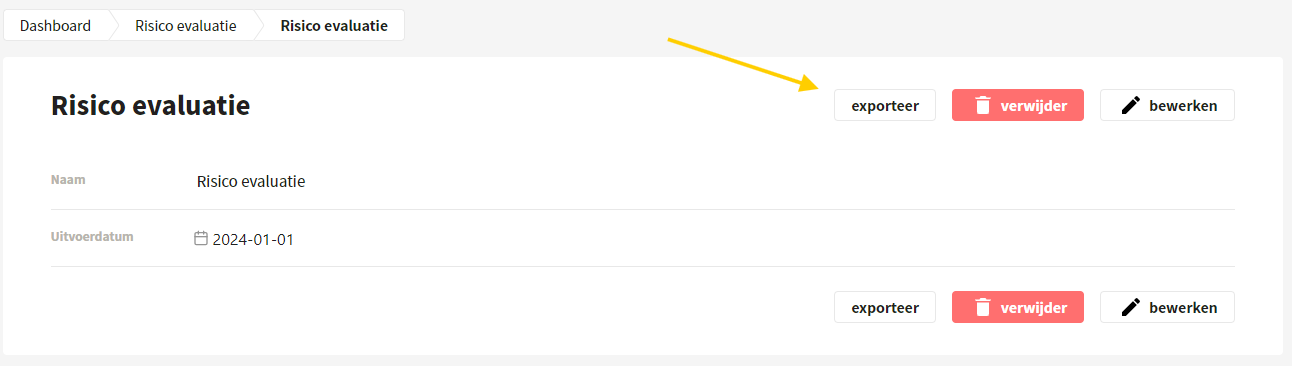
After saving, the risk evaluation can still be easily edited. An export can also be created in xlsx format.
---
# Agent Instructions
This documentation is published with GitBook. GitBook is the documentation platform designed so that both humans and AI agents can read, navigate, and reason over technical content effectively. Learn more at gitbook.com.
## Querying This Documentation
If you need additional information that is not directly available in this page, you can query the documentation by asking a question.
Perform an HTTP GET request on the following URL with the `ask` and `goal` query parameters:
```
GET https://docs.controlbee.nl/controlbee-docs/en/checken/risico-evaluatie.md?ask=&goal=
```
`ask` is the immediate question: it should be specific, self-contained, and written in natural language.
`goal` is what the user is ultimately trying to achieve, the reason they need the answer. Sharing it helps GitBook give you a better, more relevant answer. A goal is most helpful when it describes the outcome the user wants rather than restating the question. For example, with `ask=how do I create an API token`, a goal like `automate deployments from our CI pipeline` lets GitBook tailor the answer to that use case.
The response will contain a direct answer to the question and relevant excerpts and sources from the documentation.
Use this mechanism when the answer is not explicitly present in the current page, you need clarification or additional context, or you want to retrieve related documentation sections.